Screen Mirroring + for Fire TV
2kit consultingTools
4.4434.00 Reviews
- Version
- 1.64
- Installs
- 100.00K
- Age Rating
- Everyone
Screenshots
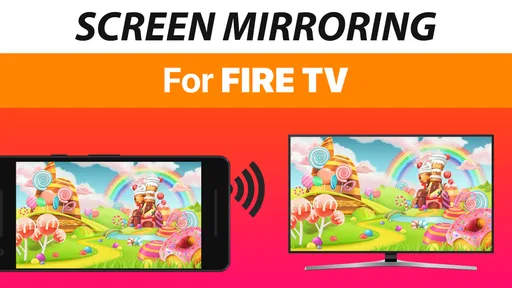
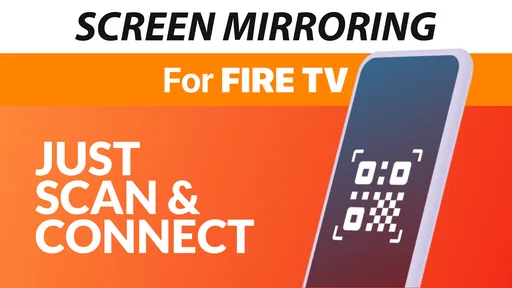
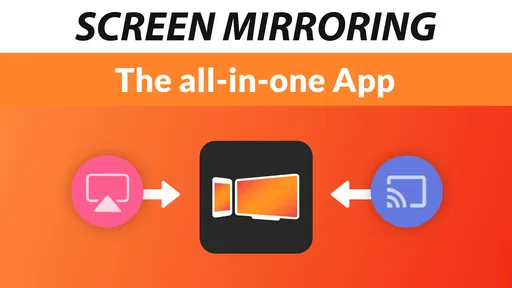
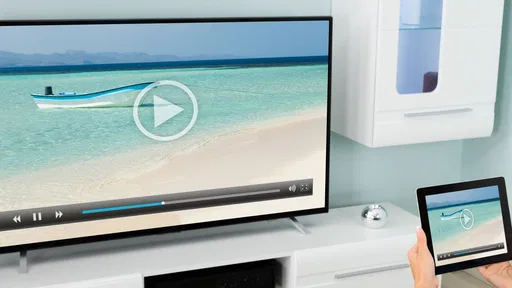
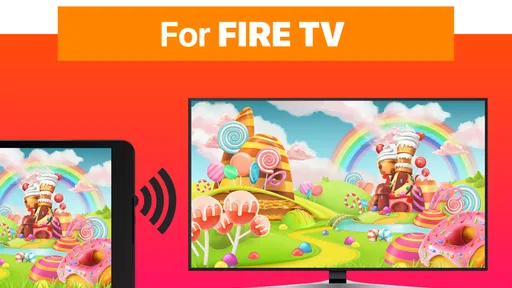
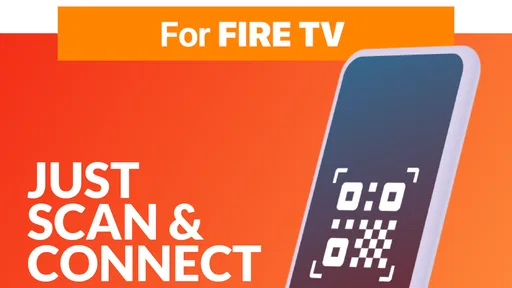
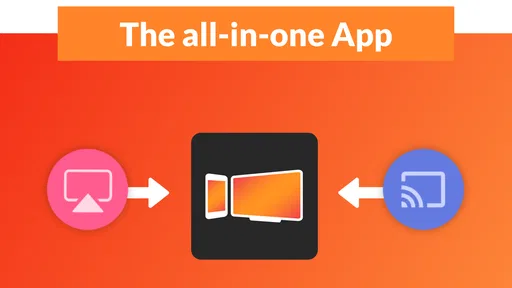
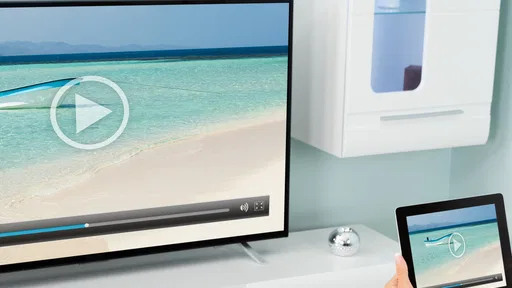
Our Review of Screen Mirroring + for Fire TV
 Analysis by Appyee
Hey there! So, I recently got my hands on the Screen Mirroring + for Fire TV app, and I’ve got to say, it’s a pretty nifty piece of tech. If you’ve ever wanted to project your phone or tablet screen onto your Fire TV, this app might just be your new best friend. Let me walk you through my experience with it.
Getting Started with Screen Mirroring
First things first, downloading and setting up the Screen Mirroring + for Fire TV app was a breeze. You can find it on both Android and iOS, so no worries there regardless of which side of the mobile fence you sit on. Once downloaded, just fire it up and follow the on-screen instructions. The app guides you through connecting to your Fire TV, and within minutes, you’re ready to mirror away!
Exploring the Features
What really stands out is the app’s ability to mirror almost anything from your phone. Whether you're showcasing photos from your recent vacation, streaming your favorite shows, or even displaying apps that aren’t natively available on Fire TV, this app does it all. The connection was pretty stable during my tests, with minimal lag, which is a big win in my book.
Another cool feature is the ability to stream audio. It’s not just about visuals here; you can actually enjoy the complete multimedia experience. I tested it with a couple of music apps, and the sound quality was surprisingly clear through my TV’s speakers.
User Experience
Now, let’s dive into the user experience. The interface is clean and intuitive, making it easy even for those who aren’t tech-savvy. I love how they’ve minimized the clutter, focusing instead on what really matters: seamless mirroring. There are some handy tips and FAQs within the app itself, which I found helpful when I had a few initial hiccups.
One thing to keep in mind, though, is that both your mobile device and Fire TV need to be on the same Wi-Fi network. It’s a small requirement, but it’s crucial for a smooth experience. I did have to tinker with my network settings a bit to ensure everything was in sync, but once that was sorted, it was smooth sailing.
Performance and Reliability
Performance-wise, I was quite impressed. The app handled everything I threw at it without any significant dips in quality. Videos streamed smoothly, and the image quality remained crisp, even when projecting high-resolution content. It’s perfect for movie nights or showing off those epic vacation photos on a bigger screen.
The app does a commendable job of maintaining a stable connection. I was a bit skeptical at first, expecting some dropouts or delays, but it held up quite well. Of course, your mileage may vary depending on your Wi-Fi strength, but for me, it was pretty reliable.
Final Thoughts
All in all, Screen Mirroring + for Fire TV is a solid choice if you’re looking to get more out of your Fire TV. It’s user-friendly, reliable, and packed with features that enhance your viewing experience. Whether you’re a tech enthusiast or just someone who wants to enjoy mobile content on a bigger screen, this app has something to offer.
If you’re curious to try it out, you can easily find it on the App Store or Google Play. Give it a go and see how it transforms your Fire TV experience. Happy mirroring!
Verdict
Strengths of Screen Mirroring + for Fire TV
- Easy setup process for all users.
- Supports multiple device connections.
- High-quality video streaming.
- Compatible with various media formats.
- User-friendly interface design.
Limitations of Screen Mirroring + for Fire TV
- Requires stable Wi-Fi for smooth performance.
- Occasional lag during high-resolution streams.
- Ads can be intrusive at times.
- Limited functionality on older devices.
- Some features require in-app purchases.
Other Releases by 2kit consulting
View All
TV Cast Pro for Fire TV
Video Players & Editors4.1

TV Cast | Ultimate Edition
Video Players & Editors4.0

Screen Mirroring Pro for Roku
Tools4.5

TV Cast Pro for LG webOS
Video Players & Editors4.2
Similar Picks in This Category
View All
Google LLC4.0

Gboard - the Google Keyboard
Google LLC4.5

Google Play services
Google LLC4.3

Google Play Store
Google LLC4.9

Files by Google
Google LLC4.5

SHAREit: Transfer, Share Files
Smart Media4U Technology Pte.Ltd.4.3
Frequently Asked Questions
What devices are compatible with Screen Mirroring + for Fire TV?
Screen Mirroring + for Fire TV is designed to work with a variety of devices. It is compatible with most Android and iOS smartphones and tablets. Additionally, your Fire TV device needs to be on the same Wi-Fi network as your mobile device for successful mirroring. Ensure that both devices are updated to the latest firmware for optimal performance.
How do I set up Screen Mirroring + for Fire TV?
Setting up Screen Mirroring + for Fire TV is straightforward. First, ensure your Fire TV and mobile device are connected to the same Wi-Fi network. Open the app on your mobile device, select your Fire TV from the list of available devices, and follow the on-screen instructions to establish the connection. Make sure to grant any necessary permissions for seamless mirroring.
Does Screen Mirroring + for Fire TV support full HD streaming?
Yes, Screen Mirroring + for Fire TV supports full HD streaming, allowing you to enjoy high-quality video content on your TV. However, the streaming quality may depend on your Wi-Fi network's speed and stability. For the best experience, ensure your network can handle HD streaming without interruptions or buffering issues.
Are there any in-app purchases or subscriptions required?
Screen Mirroring + for Fire TV offers a free version with basic features. However, for an enhanced experience, including additional functionalities and ad-free usage, in-app purchases or a subscription may be required. Users should review the app's pricing details in the app store to decide which version best suits their needs.
What should I do if I experience connectivity issues?
If you experience connectivity issues with Screen Mirroring + for Fire TV, there are a few troubleshooting steps you can take. First, ensure both your devices are connected to the same Wi-Fi network and restart your router if necessary. Check for any available updates for the app and your devices. If problems persist, try uninstalling and reinstalling the app or consult the app’s support resources for further assistance.
